What it looks like
A real look inside.
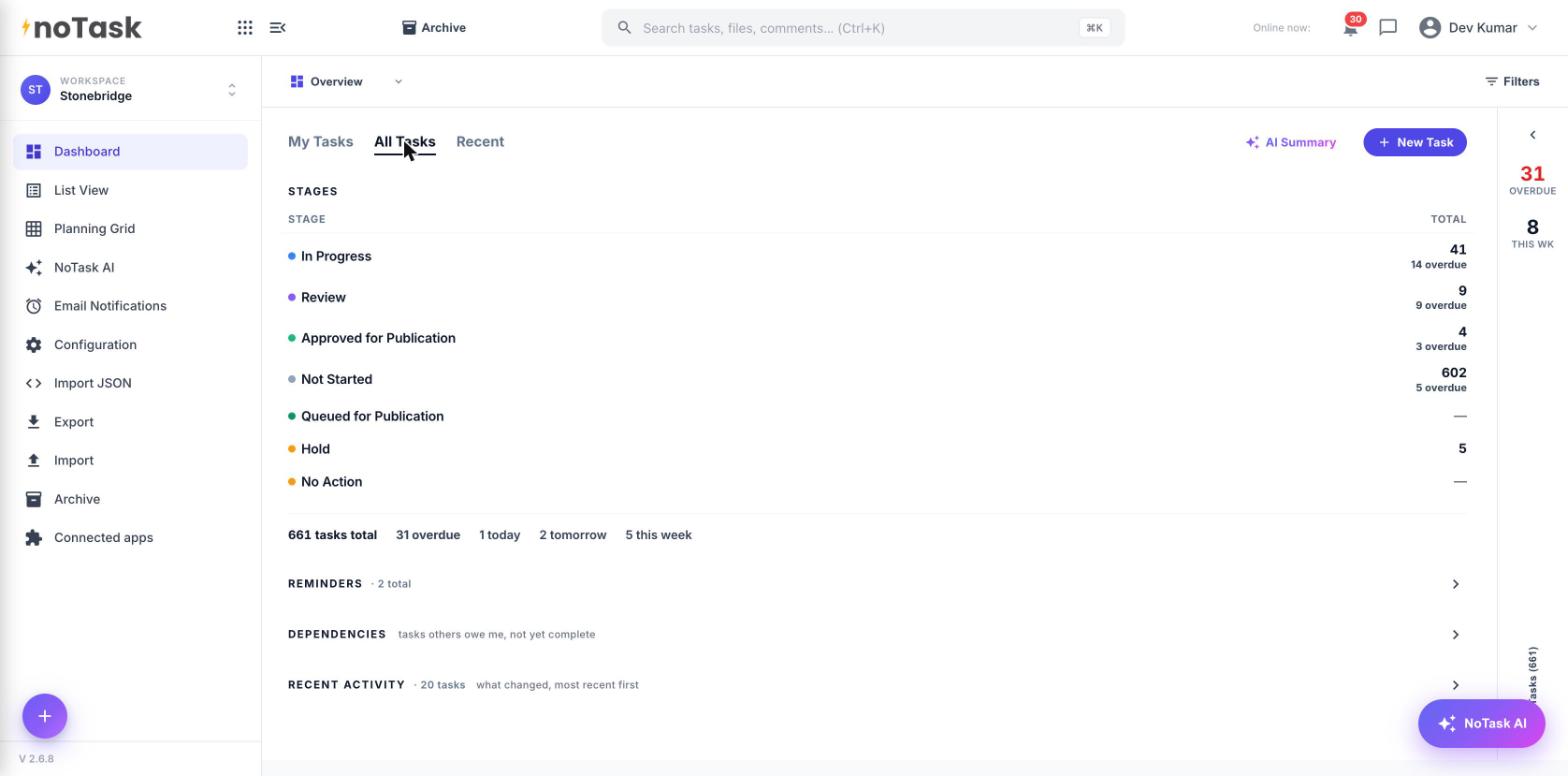
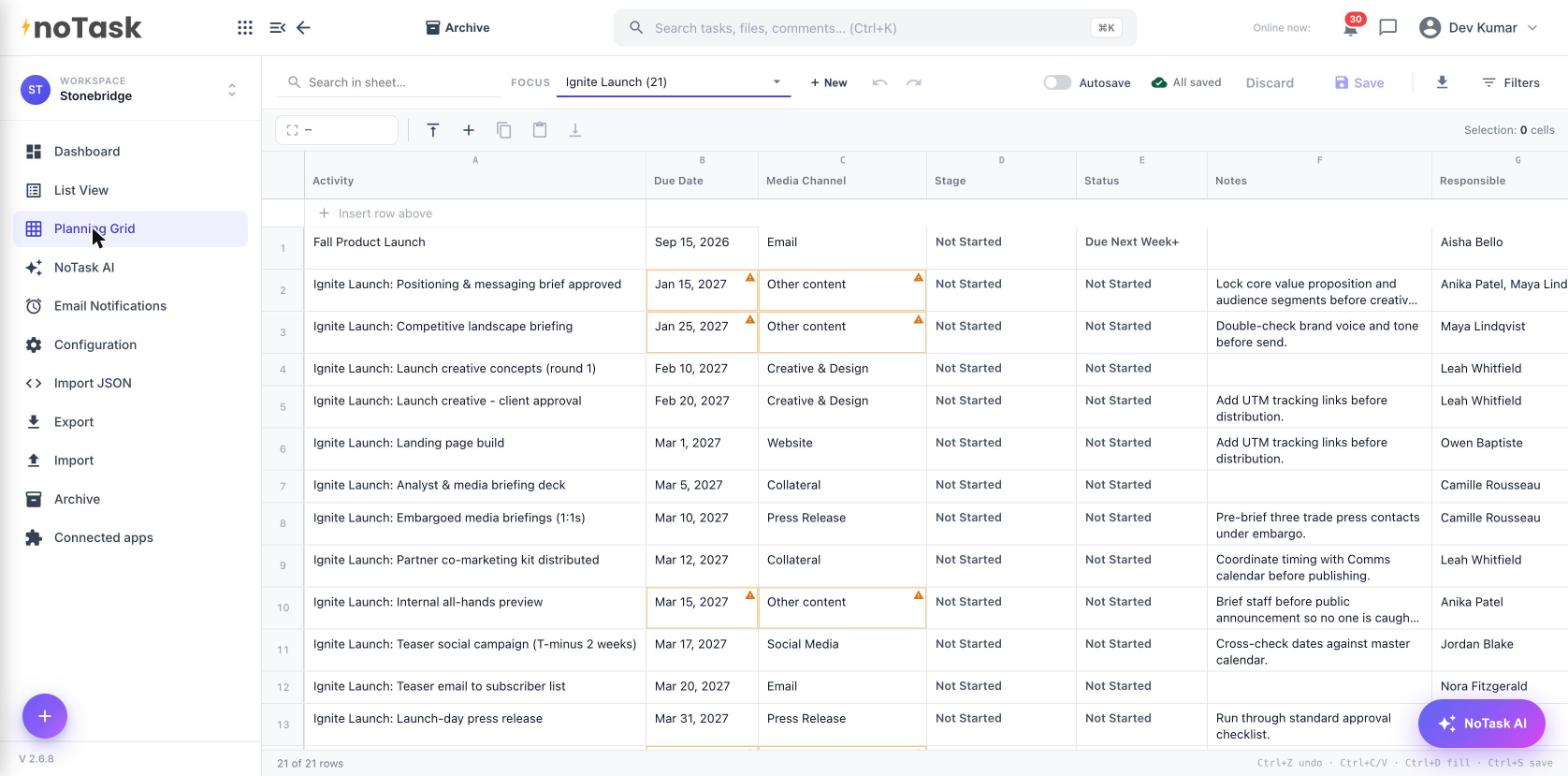
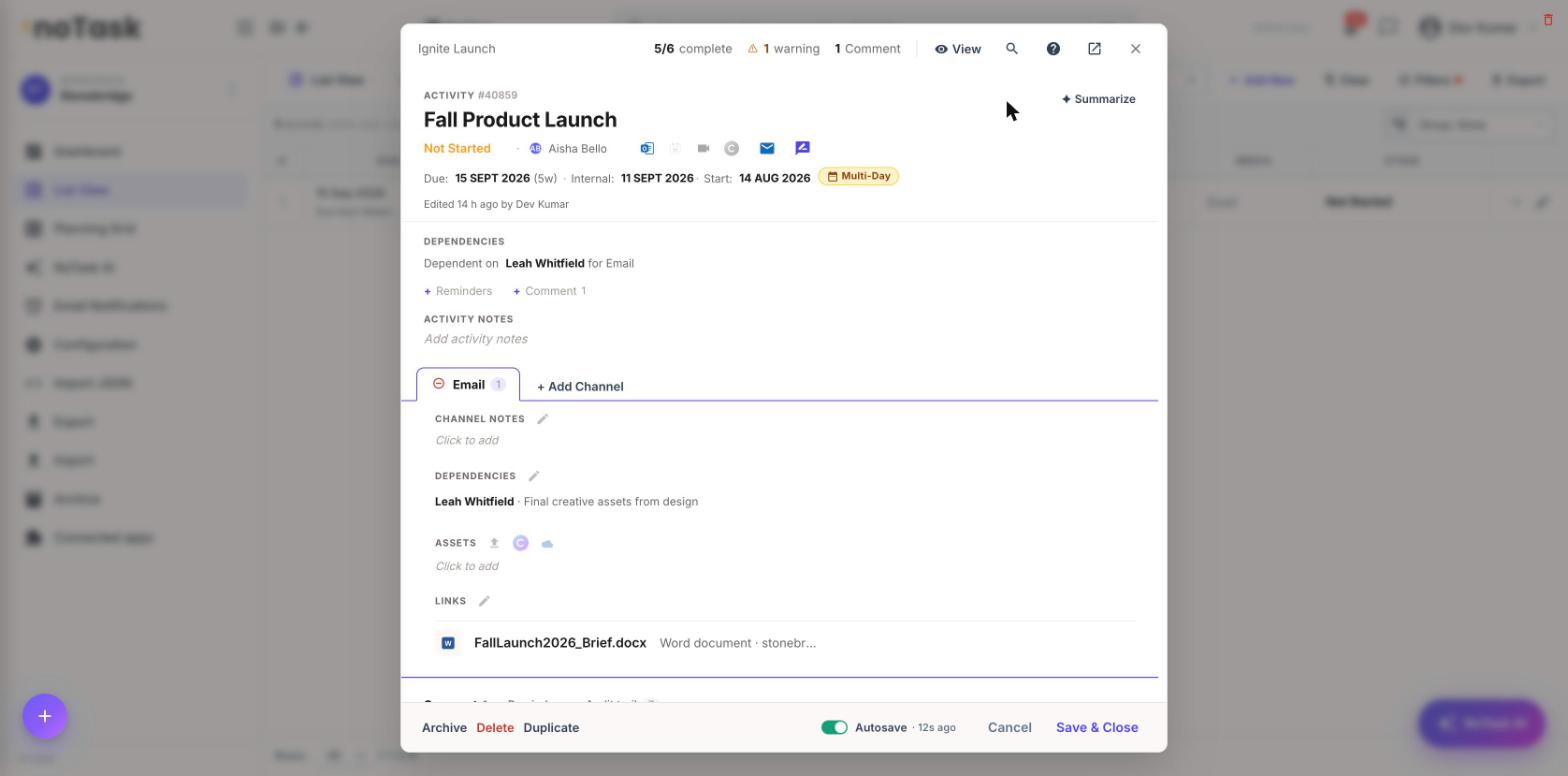
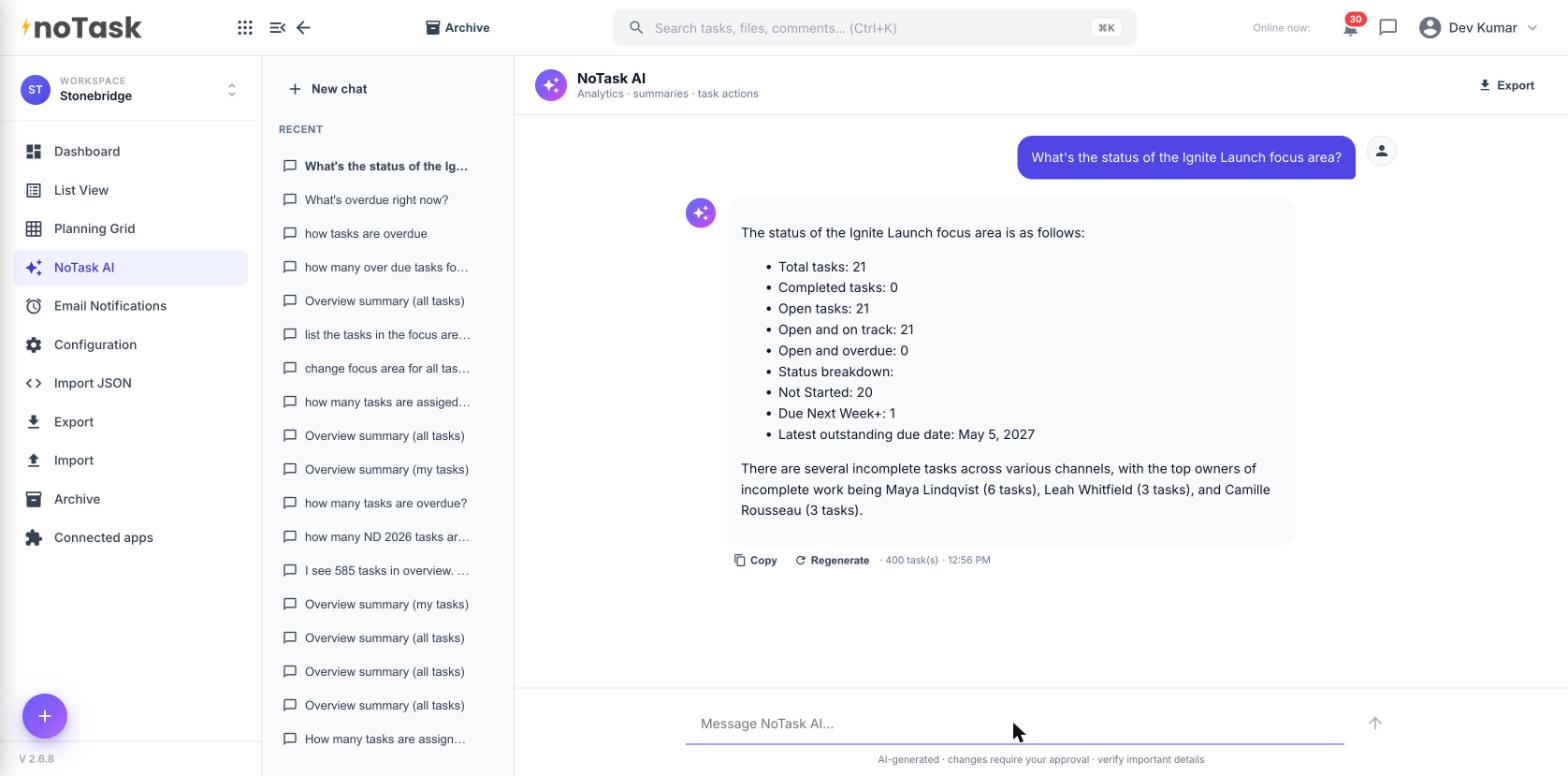
Not a feature list, a walkthrough. Here's what actually happens to something from the moment it's created to the moment it's done.
Someone creates an activity, gives it a name, and says which project it belongs to. That's all it takes to get started, no setup, no template to learn first.
One person, or a few, own it. It has a due date, and if it matters, an internal ready-date ahead of when it actually goes out. Depending on someone else for something? That's marked too, so it's visible, not forgotten. Plans shift as things around you change, updating a due date takes a few seconds.
Files get attached or linked from wherever they already live, no remembering where something's saved, no asking around for the link. Comments and notes stay with the work itself, whether that's a quick note to yourself on why something's on hold, or a back-and-forth with a teammate.
Work moves from not started, to in progress, to review, to approved, to published, as your team moves it forward. Everyone can see which stage something's in without asking. A campaign email sits in review until someone signs off.
Zoom out, and the same information becomes a dashboard: what's overdue, what's due this week, what's stuck. Or a list, a calendar, a month at a glance. Same underlying work, whichever view matches how you think that day.
Mark it complete. If it's the kind of thing you'll run again, an event, a campaign, an annual appeal, it can be reused or rolled into next year instead of rebuilt from a blank page.
Turn on Outlook or Google Calendar sync and the dates stay current there too, no separate copy to maintain.
Request a demo and we'll walk through your actual plan, live.